
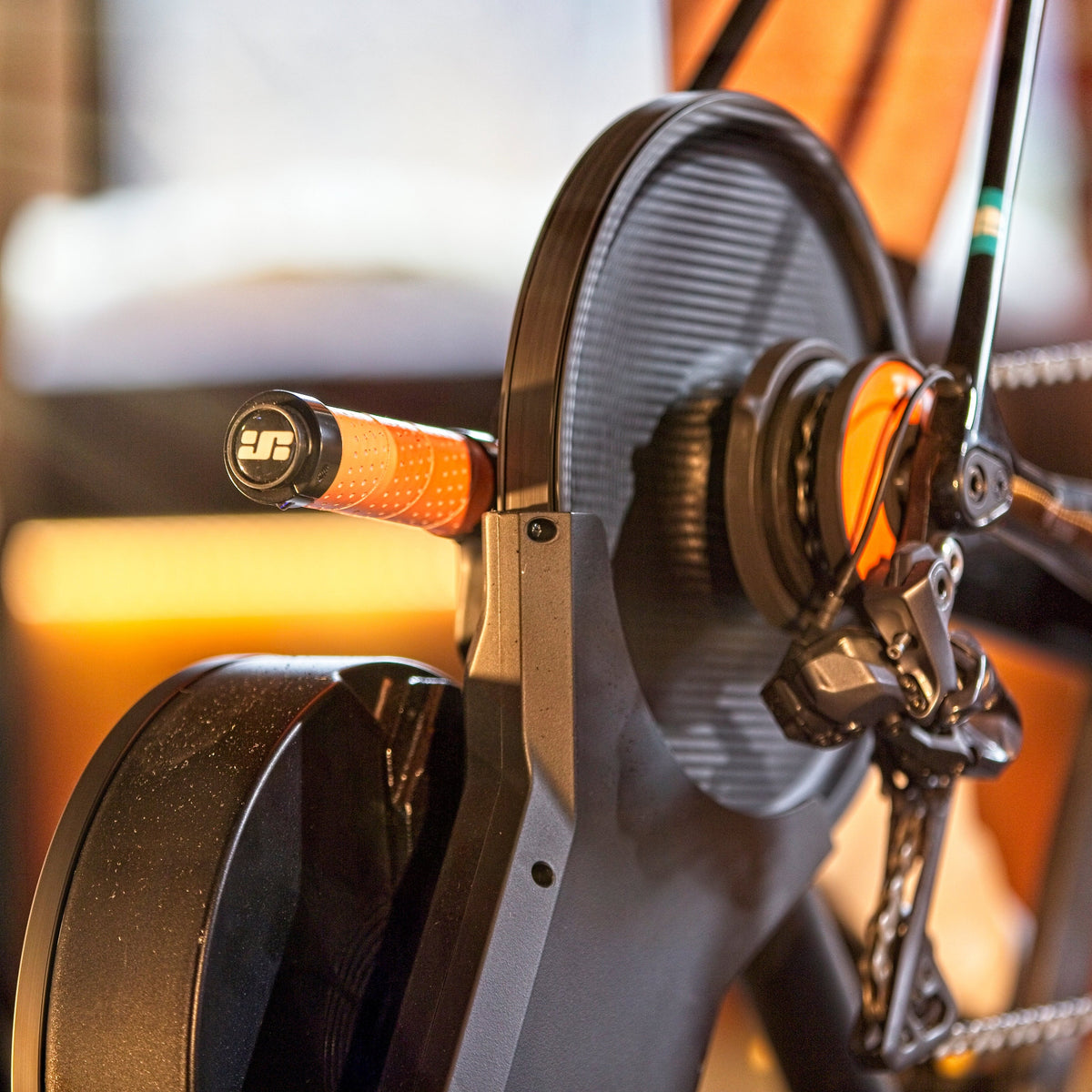
A smart trainer needs little maintenance, but a few habits from the JetBlack manual keep it working well.
Clean it after it has cooled
Wipe the trainer with a slightly damp cloth. Never spray liquids on or near it. The disc can get hot, so let it cool first.
Look after the chain
Clean and lubricate the chain on your bike and the trainer. If you use the Zwift Cog, turn the grey dial until the chain runs as straight as possible.
Calibrate when it matters
The VICTORY calibrates itself after 3 seconds of freewheeling. A manual spin-down from the JetBlack app is recommended after unboxing, after moving the trainer and with seasonal changes. Warm up for 10 minutes first.
Keep the firmware up to date
In the JetBlack app, go to Settings > Firmware Update. Updates run over Bluetooth, so keep your device near the trainer and do not disconnect during the update.
Store it upright
Unplug all the cables, remove the bike and adapters, and store the trainer in the vertical position. Never move the trainer with a bike attached.
Replace worn or lost parts
Replacement quick-release and thru-axle adapters are available in our parts collection.
Warranty
JetBlack products have a 1-year warranty against manufacturing defects for the original purchaser. Keep your order number and, for a trainer, its serial number: it is on a sticker at the back of the flywheel casing, between the two legs. Contact us from the support page.
Share:
How to Set Up a Quiet Indoor Cycling Space
Do You Need a Riser Block?